Our devices are smarter than they have ever been. No longer are we limited to using our phones strictly as communication devices. We can order food, meet new people, play games, shop and video chat with friends or family members. All of these incredible conveniences are changing our lives for the better every day. But at what price? Your data.
Why clearing your data is important
Financial information, contacts, photos, conversations and more are stored on your phone. Much of this data may seem harmless, but if the information ends up in the wrong hands, you could be in trouble. If you don’t take the appropriate steps to clear your data from your device before you trade it in, donate it or sell it to a third party, you’re leaving your data vulnerable to hackers and resourceful thieves.
The typical American upgrades his or her phone every two years. Along with that trend has come a surge in demand for the recycling of old cellphones. While more and more people are recycling their phones, many aren’t aware of how to protect their information.
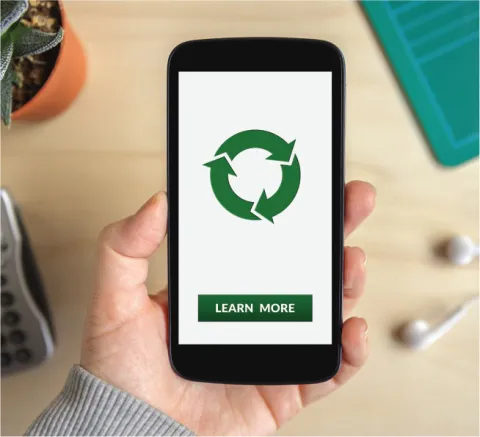

What steps should you take to keep your information safe before getting rid of your device?
- Start by backing up any content you want to keep. It might be easier to connect your phone to your computer via a USB cable so you can view all of your files at once. Go through everything and save the files you’d like to keep on your computer or on an external hard drive.
- Next, check your device for removable storage (such as memory cards, SIM cards, etc.). Remove them and keep them in a safe place.
- Finally, encrypt your device’s internal information. Most of your data will be stored on either your SIM card or a memory card, but some information is saved on the device itself. Encrypting will scramble any information that is on the actual device so that no one will be able to read or understand it. As a final measure, do a factory reset. Be aware that the encryption and factory reset steps will vary depending on the device and the operating system.
How Planet Green handles data
Planet Green, MTAB’s fundraising program provider, takes data privacy very seriously. It works with a third-party vendor that takes care of all data management and disposal. The vendor has R2 and e-Stewards certifications, which means it is required by law to dispose of data appropriately and ethically.
If the last few years have taught us anything, it’s that we need to be more careful with our data. You’re encouraged to wipe your phones or tablets before sending them to Planet Green. To learn more about protecting your data or about Planet Green’s fundraising program, check out the blog at planetgreenrecycle.com or visit mtabenefits.com/benefits/office-classroom-supplies/recycling-fundraiser.